
 Smoothify
 SnapActions
 Beat Detector
 AnyPaste
 Emoji Picker
 File Organizer
If you’re using Windows and need to completely remove blinkl.io, follow the steps below. This guide ensures that the application, cache files, and all related folders are fully deleted from your system.
👉 If you're on macOS, follow this tutorial.
Step 1: Uninstall the application
Go to Windows Settings → Apps → blinkl.io → Uninstall
Step 2: Delete 'AppData' files
- Open File Explorer
- In the address bar, type: %appdata%
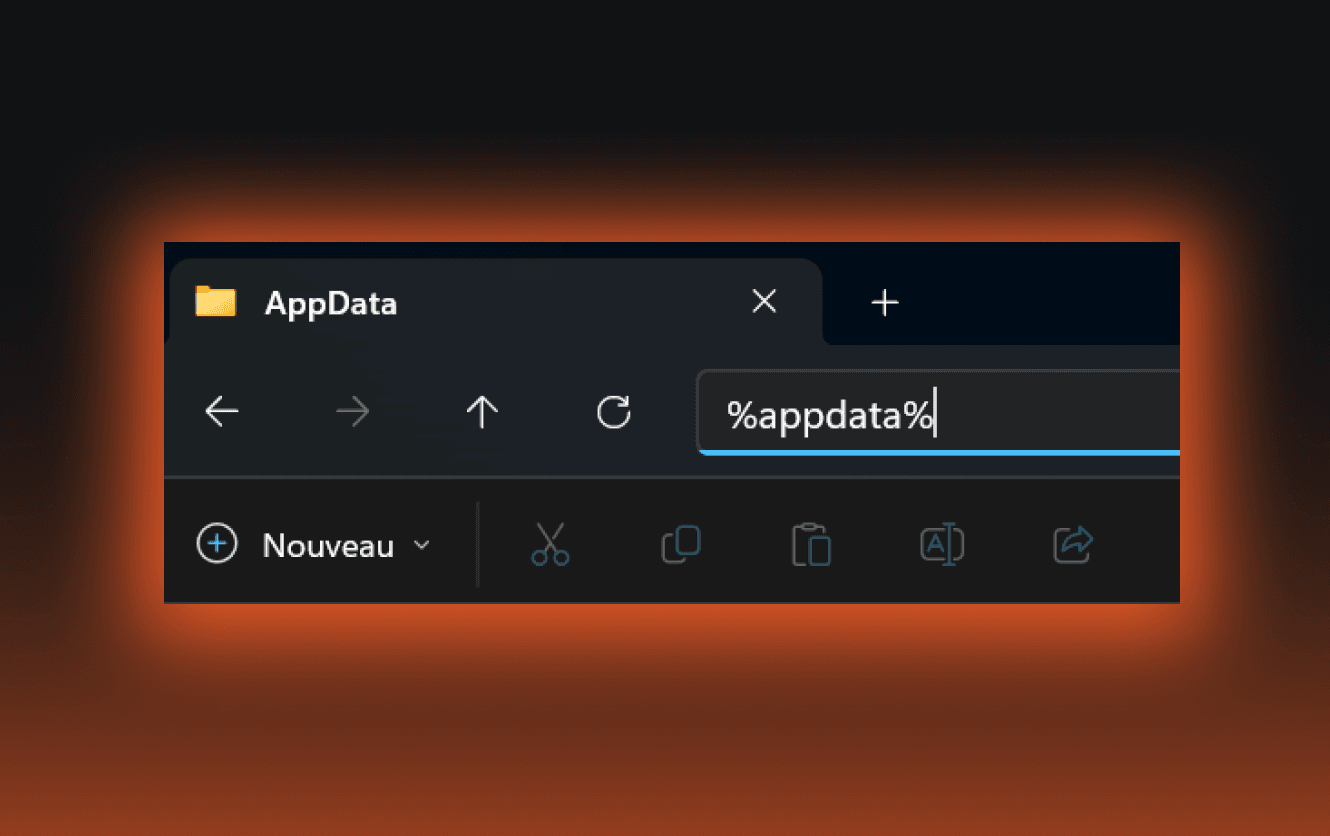
- Delete the folder: blinkl
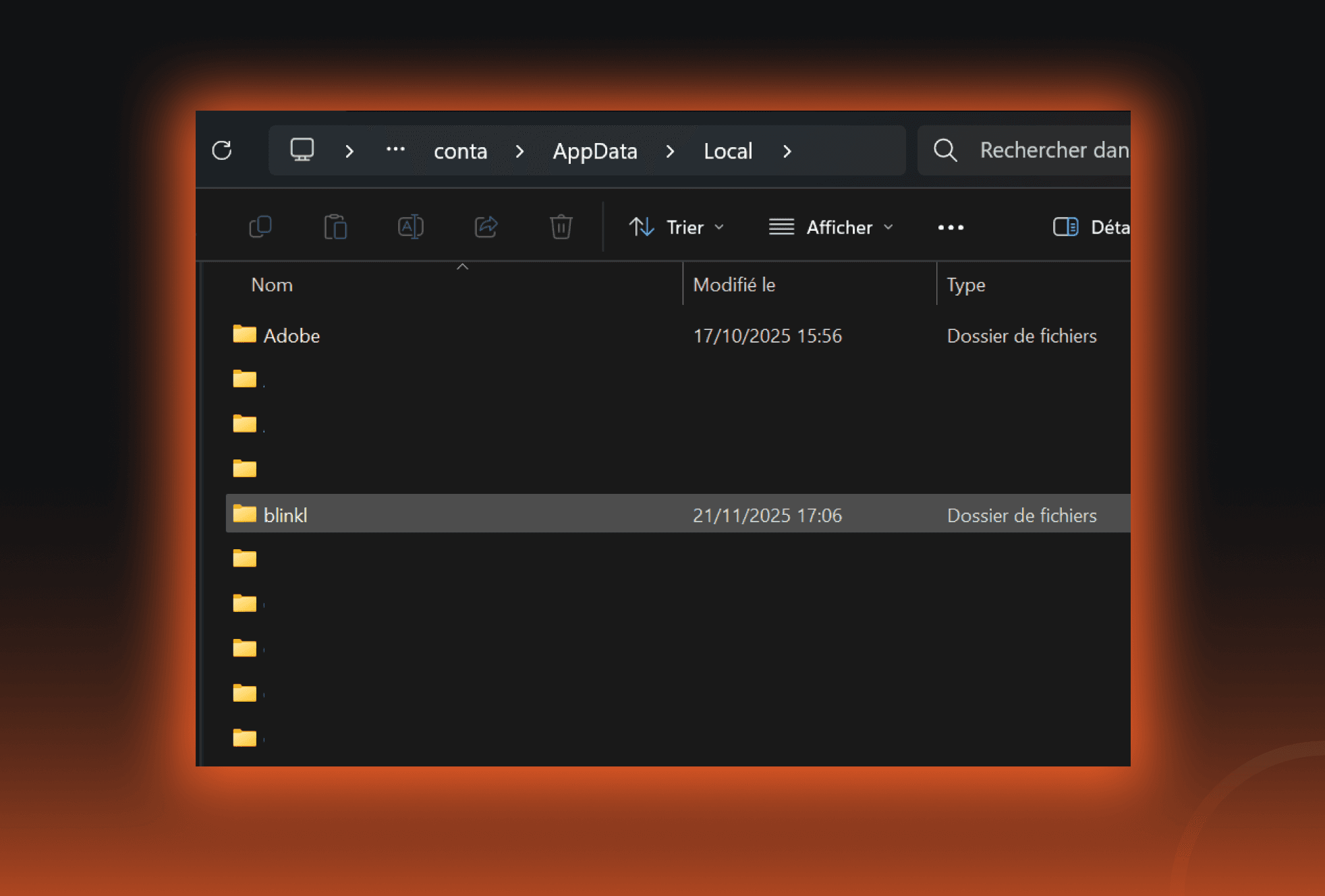
Step 3: Delete 'LocalAppData' files
- Open 'File Explorer'
- In the address bar, type: %localappdata%
- Delete the folder: blinkl
Step 4: Delete temporary files
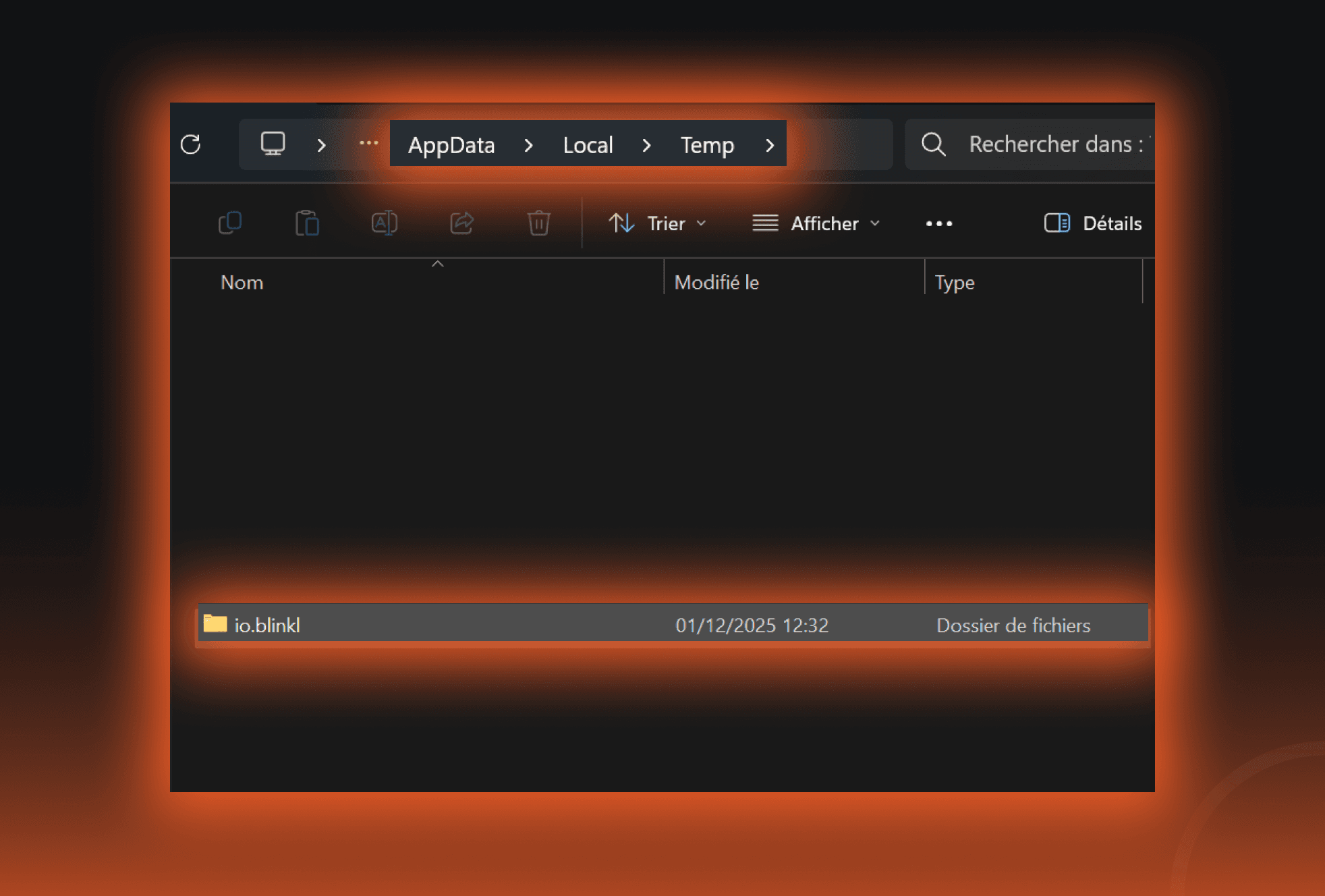
- Open File Explorer
- In the address bar, type: %temp%
- Scroll to the folder io.blinkl and delete it.
blinkl.io is now completely uninstalled!
You can reinstall blinkl.io anytime by following our installation guide. We hope to see you again soon!