Smoothify
 SnapActions
 Beat Detector
 AnyPaste
 Emoji Picker
 File Organizer
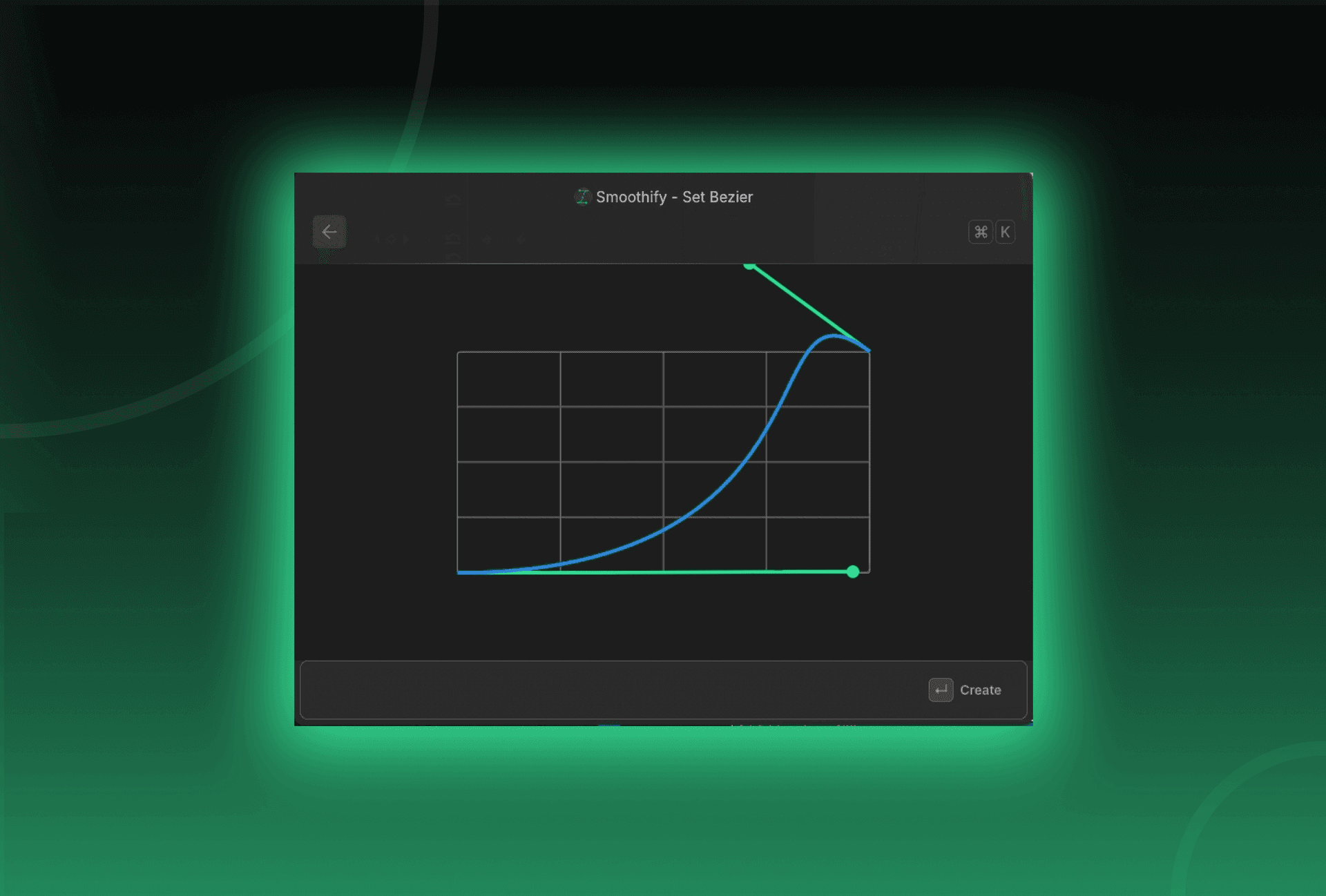
Good news: Smoothify hasn’t really changed. It still works the same way and offers the same motion curve control you know. The only difference is how you open it.
What changed ?
Previously, you had to open Smoothify directly inside Premiere Pro from the Extensions menu. Now, Smoothify is fully integrated into blinkl.io, our new command bar for Premiere Pro.
How it works now ?
- Open Blinkl.io using your Hotkey (by default: Cmd + K or your custom shortcut).
- Type “Smoothify” in the search bar.
- Use Smoothify exactly as before: same features & same results.
Nothing else changes in your workflow: only the way you launch it.
Why this change ?
This integration makes it faster to:
- Access Smoothify without going through menus
- Combine it with other blinkl.io extensions
- Keep all your creative tools in one place
Smoothify remains free, familiar, and just as smooth as ever: now simply easier to reach.