
 Smoothify
 SnapActions
 Beat Detector
 AnyPaste
 Emoji Picker
 File Organizer
What’s new !
blinkl.io updates
The command bar for Premiere Pro keeps evolving. Discover the latest features, fixes, and improvements designed to make editing faster and smarter.


File Organizer is a new free extension designed to bring instant structure to your Premiere Pro projects (without ever leaving your timeline).
Sort your media files directly from the blinkl.io command bar. No manual bin sorting, no drag & drop, no wasted time digging through cluttered project panels.
Built to match your workflow. Sort by type (images, sequences, audio…) and create custom subfolders to match the way you edit.
Fully integrated into the blinkl.io command bar, File Organizer turns one of editing's most tedious tasks into a single keystroke.
Tidy projects. Faster edits.
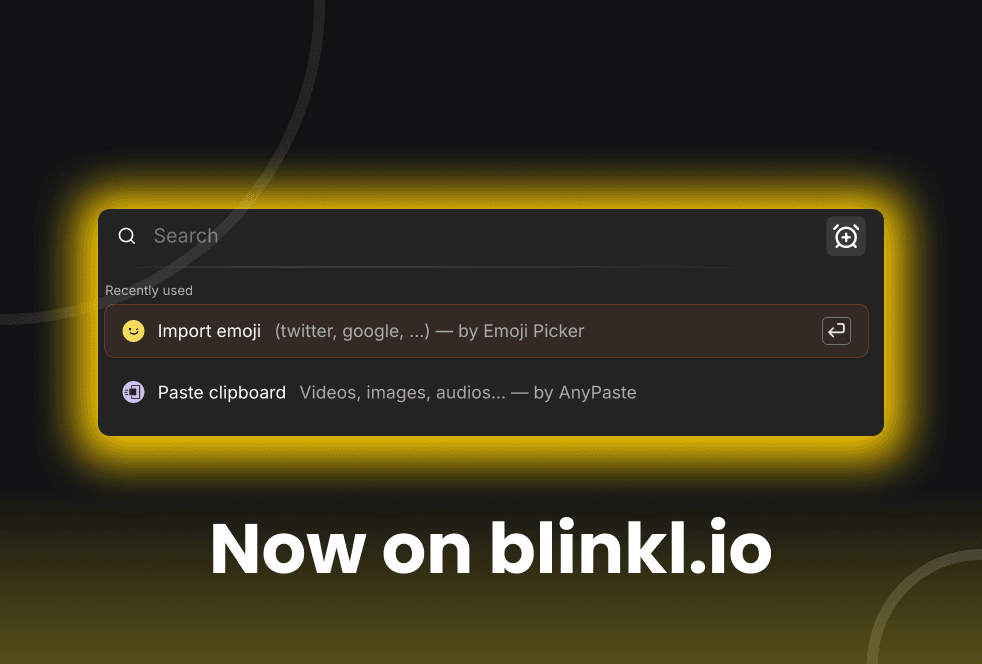
Emoji Picker is a new free extension designed to make using emojis in Premiere Pro fast, clean, and frictionless.
It gives you instant access to high-definition emojis, directly inside your editing workflow. No websites, no copy-paste, no low-resolution assets.
Emoji Picker sources emojis from official, up-to-date online emoji libraries, ensuring accurate visuals and consistent rendering across platforms. You can browse emojis by platform, filter them by category, or search by keywords to quickly find the right emoji for your content.
All emojis are optimized for video use and can be scaled, animated, and composited like any other visual asset in Premiere Pro.
Fully integrated into the blinkl.io command bar, Emoji Picker lets you pick an emoji and add it straight to your timeline in seconds.
Pick emojis. Keep editing.