
 Download
Myriam HINDERER
2026-07-30
How to Build a Sound Effects Library in Premiere Pro (and Drop SFX in One Click)
Stop digging through folders for the right whoosh. See how SFX builds a searchable sound effects library you drop onto your timeline in one click, inside Premiere Pro.
The quick answer
To use your sound effects in Premiere Pro without breaking your flow, you need them organized and one click from the timeline. Your options are:
- Dig through folders in Finder or Explorer every time you need a sound.
- Import a batch into the Media Browser and hope you remember which file was which.
- Or, with SFX, build one library, sort it into folders and favorites, and drop any sound on the timeline from the Ring.
The first two work until your library grows. SFX keeps every sound one click away, no matter how many you own.
Why sound effects slow your edit down
Sound design is fast to imagine and slow to execute. The right whoosh is somewhere on your drive, but finding it means leaving the timeline, opening a folder, scrubbing through near-identical files, and dragging the winner back in. By the time it lands, you have lost the rhythm you were editing to.
Multiply that by every transition, every impact, and every button click in a short, and the search becomes the job. The sounds are not the problem. Finding them is.
Set up your SFX library
Open the Ring with Ctrl+Right-click or your custom hotkey, click Blinkl in the center, and select SFX. Then build the library around the way you actually work.
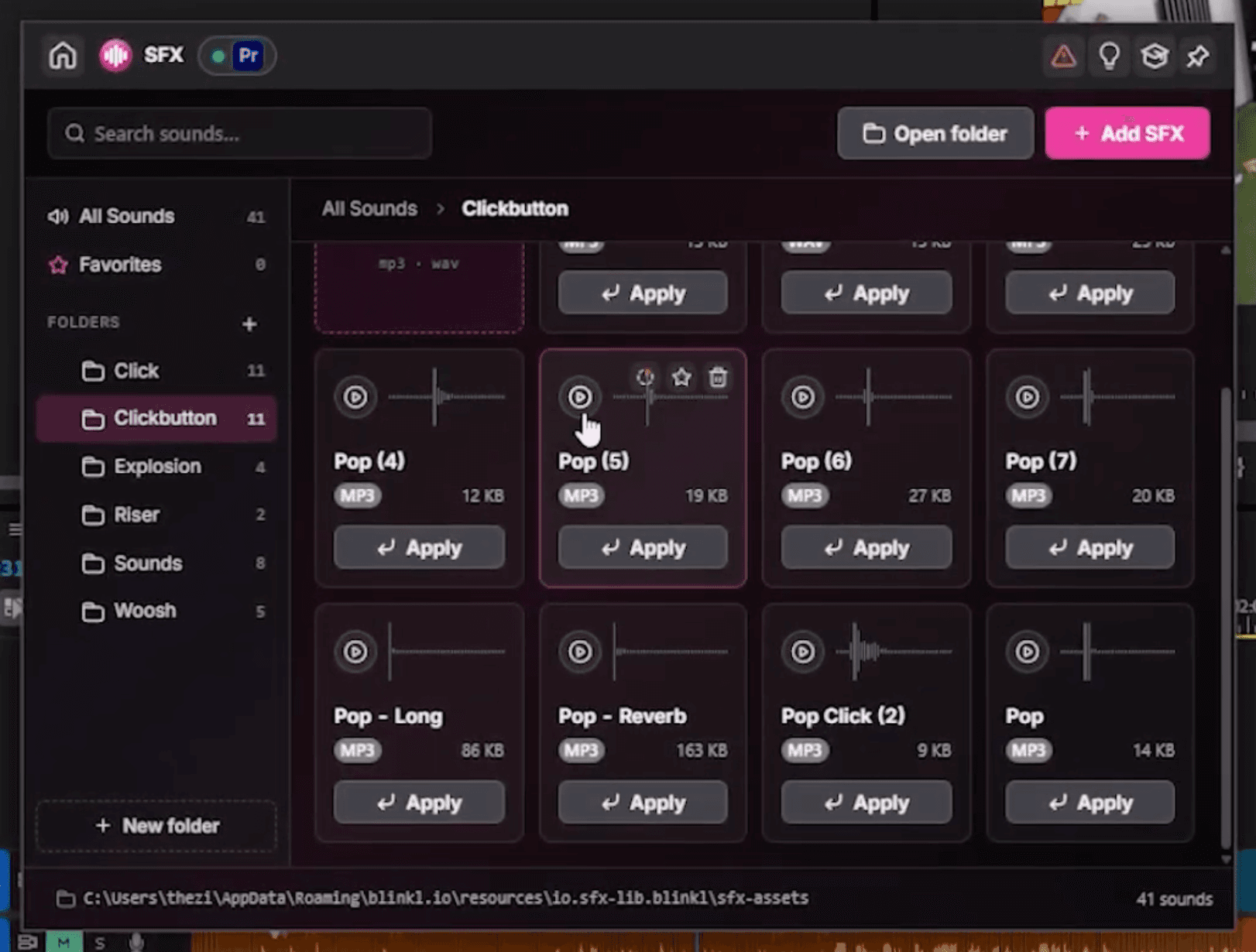
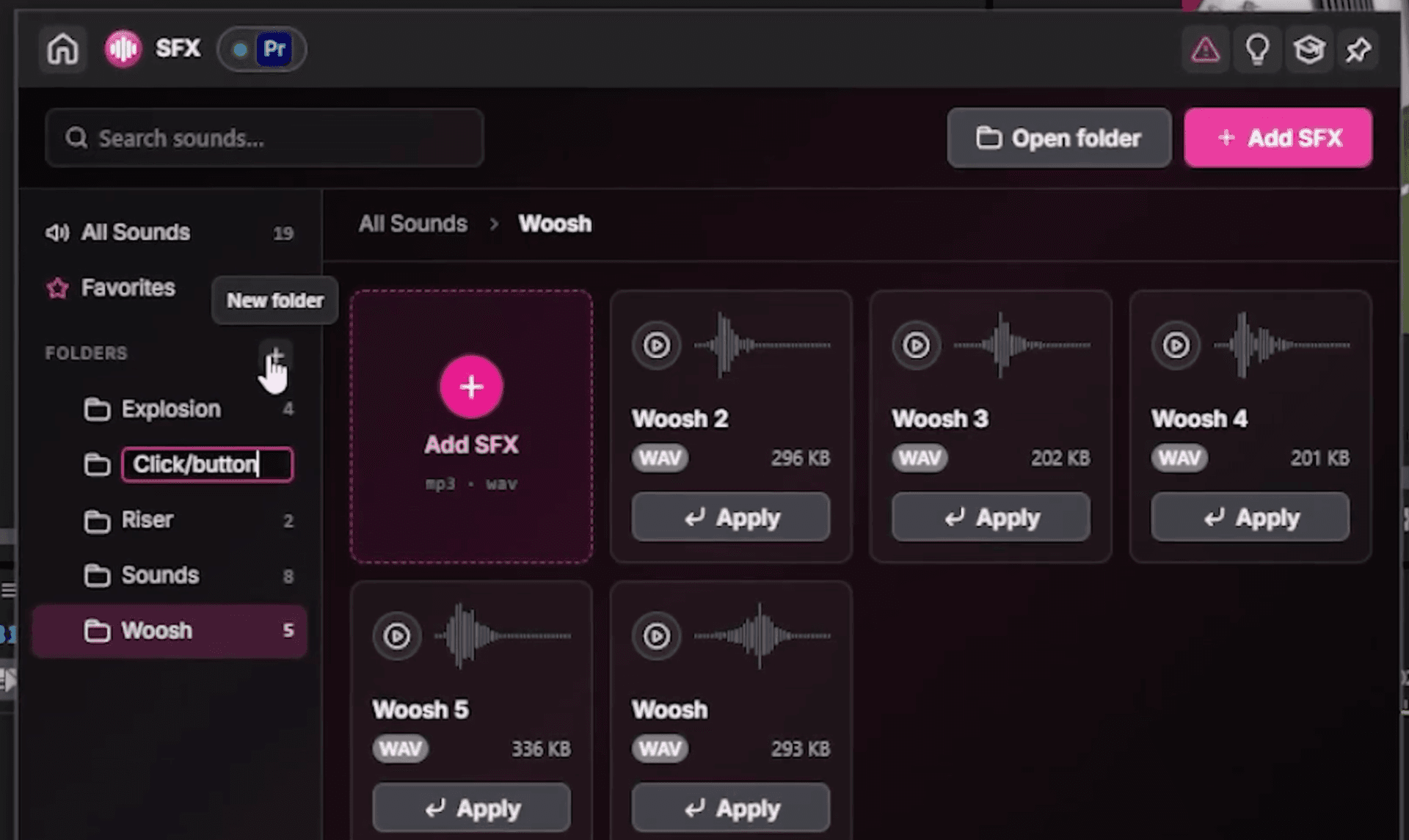
- Create folders for your categories. Click to add one, name it (explosion, riser, whoosh, click/button), and it appears in the list on the left.
- Import your sounds. Click Add SFX for a single file, or Add SFX again to select many at once and bring in a whole batch.
- Preview any sound by clicking play, so you pick the right one before it touches the timeline.
- Star the sounds you reach for constantly to keep them in Favorites.
From there you organize the library however your workflow wants it: all your sounds on the side, your favorites up top, your sorted folders in between.
Drop a sound on your timeline
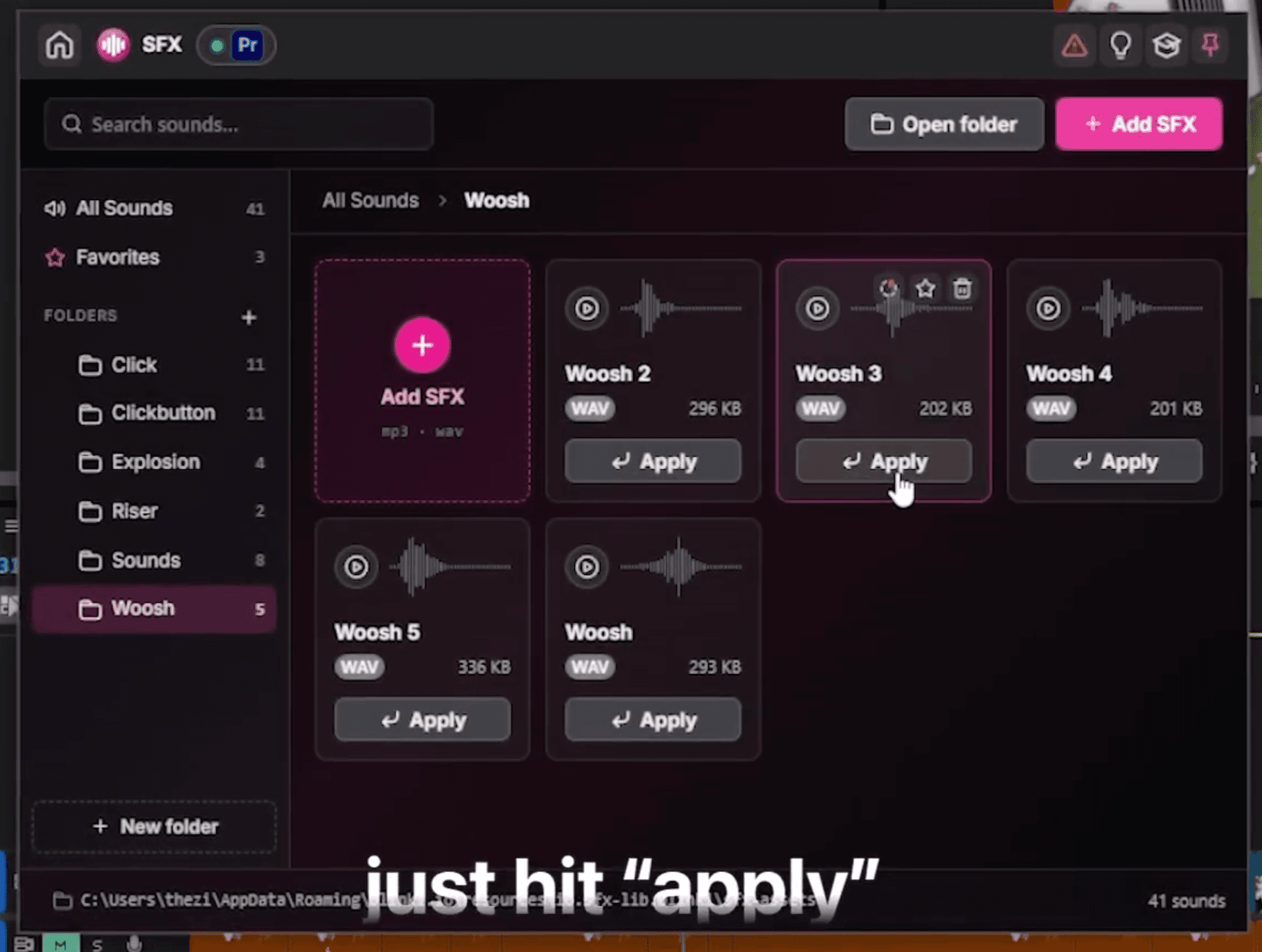
When you have found the sound, hit Apply. It imports straight onto your timeline, instantly, right where you need it. No dragging from a folder, no round trip through the Media Browser.
Add a sound to the Ring for one-second access
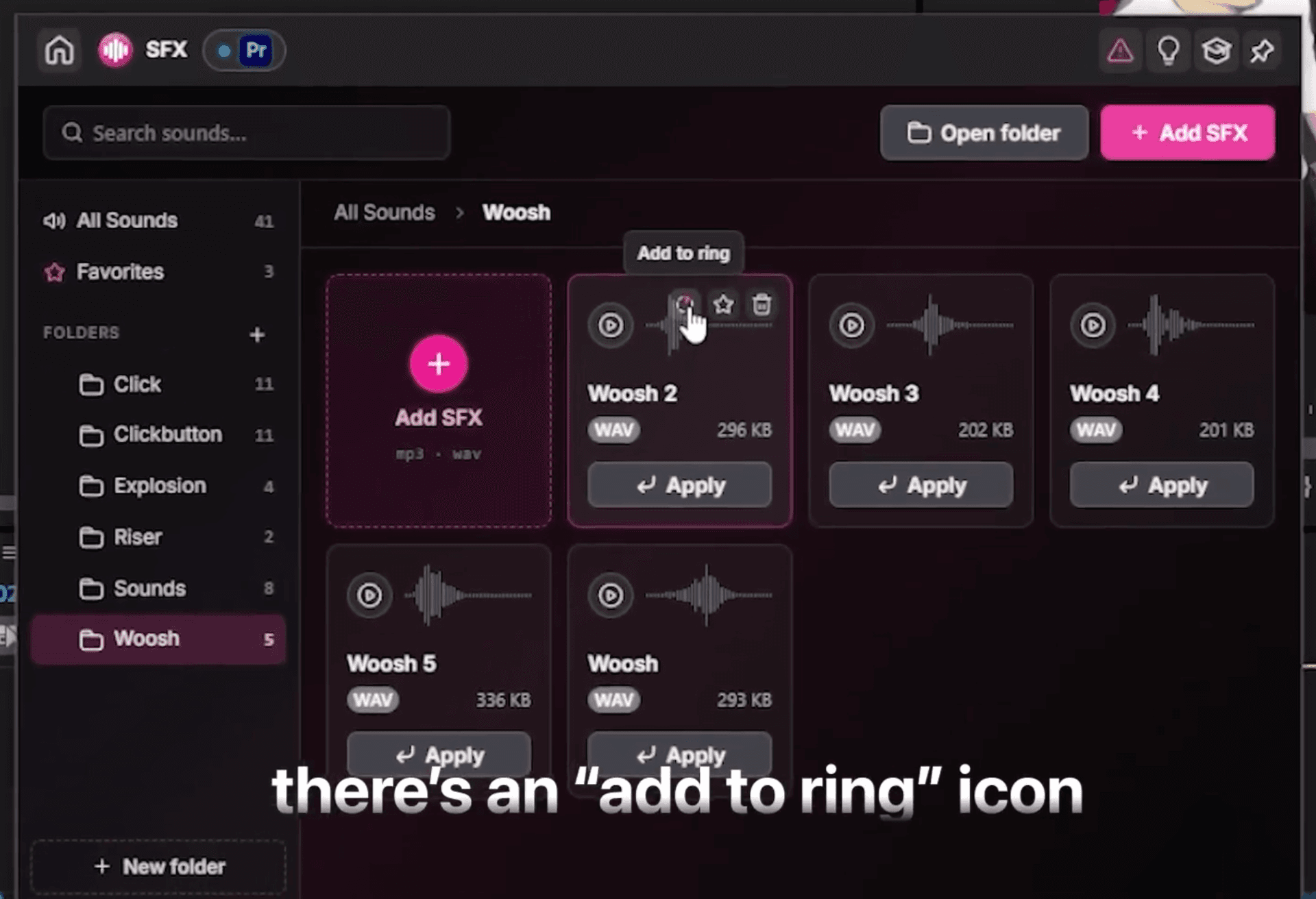
For the sounds you use on every project, put them in the Ring itself. Open the Ring, head back to SFX, and pick the sound you want in reach.
- Click the add to ring icon on any sound.
- Drop it into an empty slot, or replace one that is already there.
- Send it to a sub-ring if you want a whole set of sounds grouped together.
- Manage all of it from the Ring settings whenever your go-to sounds change.
Now your most-used SFX are a flick away, dropped onto the timeline in about a second.
Which setup fits your workflow?
- Use folders when you want everything sorted by type, so a growing library stays tidy across every project.
- Use Favorites for the handful of sounds you reach for on almost every edit.
- Use the Ring for the two or three signature sounds you want to drop without opening anything at all.
Less digging, more editing
A messy sound effects folder is a tax you pay on every edit. SFX turns it into a library you build once and use forever: sort it your way, preview in place, and drop the right sound from the Ring in one click. The sounds stay out of your way, and you stay on the timeline.
· Your whole SFX library, one click away
Frequently asked questions
The short answers to the questions that usually cost you a folder dive.
Is SFX a free sound effects library for Premiere Pro?
How do I organize my sound effects?
Can I preview a sound before adding it?
How do I add a sound effect to the timeline?
Can I keep my SFX library across projects?
Which Premiere Pro versions are supported?
Myriam HINDERER
Chief Marketing Officer