🎉 The ring is now available on blinkl.io!Download for free
made for Premiere ProPrandAeAfter Effects

What's new in
blinkl.io

We keep blinkl fresh with regular updates — new features & improvements,
so you can edit faster and never leave the timeline.

0 selected
Zero in on the tools you actually use !
The Dock

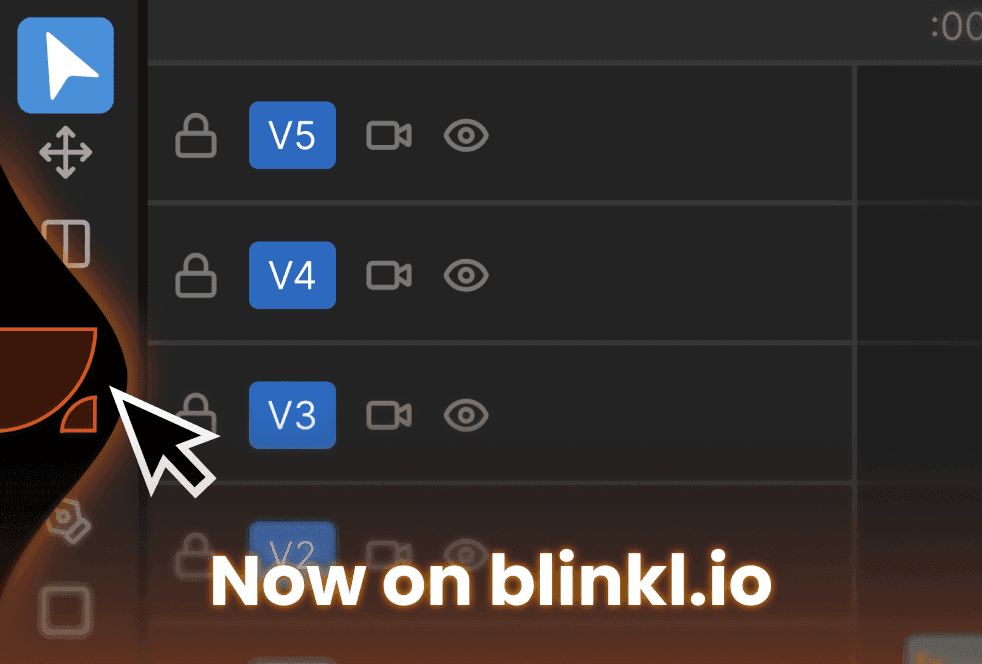
Introducing Docked Mode on blinkl.io

Docked Mode is a new feature designed to keep the blinkl command bar always within reach without memorizing a keyboard shortcut.

A persistent floating widget lives on the edge of your screen inside Premiere Pro. One click opens the command bar instantly. No shortcut, no searching, no friction.

Built to stay out of your way. The widget auto-hides when the command bar opens and reappears when you close it, and disappears entirely when you switch away from Premiere Pro. Drag it anywhere along the left or right edge of your screen to fit your layout.

Fully integrated into the blinkl.io workflow, Docked Mode complements Cmd/Ctrl + K, both open the command bar. Two ways to access it, your choice.

Always visible. Always one click away.
Try blinkl.io

Emoji Picker

Introducing Emoji Picker on blinkl.io

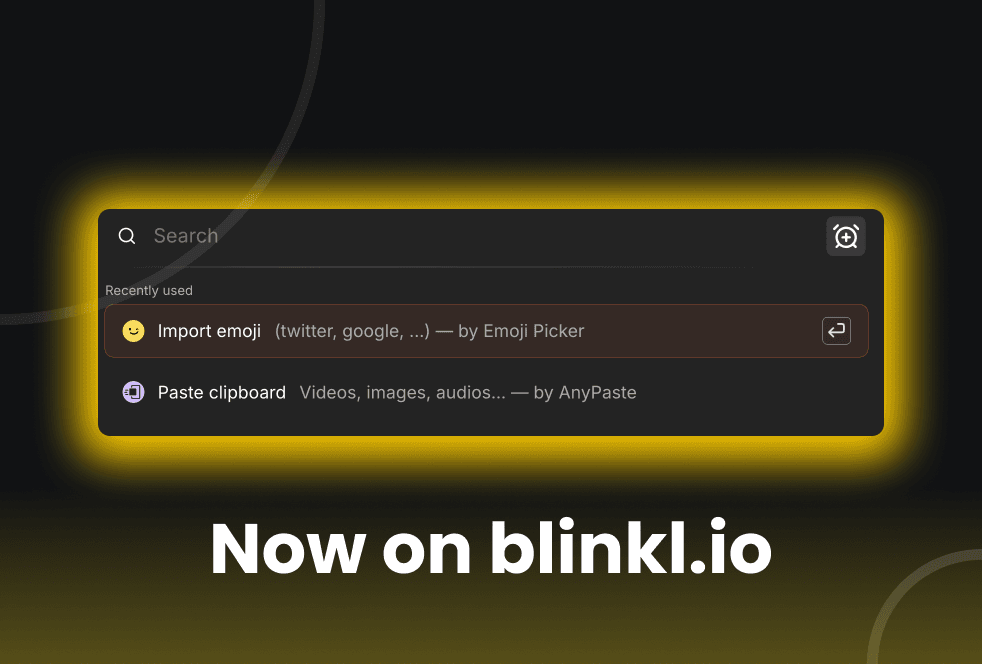
Emoji Picker is a new free extension designed to make using emojis in Premiere Pro fast, clean, and frictionless.

It gives you instant access to high-definition emojis, directly inside your editing workflow.
No websites, no copy-paste, no low-resolution assets.

Emoji Picker sources emojis from official, up-to-date online emoji libraries, ensuring accurate visuals and consistent rendering across platforms. You can browse emojis by platform, filter them by category, or search by keywords to quickly find the right emoji for your content.

All emojis are optimized for video use and can be scaled, animated, and composited like any other visual asset in Premiere Pro.

Fully integrated into the blinkl.io command bar, Emoji Picker lets you pick an emoji and add it straight to your timeline in seconds.

Pick emojis. Keep editing.

Try Emoji Picker on blinkl.io

AnyPaste

Introducing AnyPaste on blinkl.io

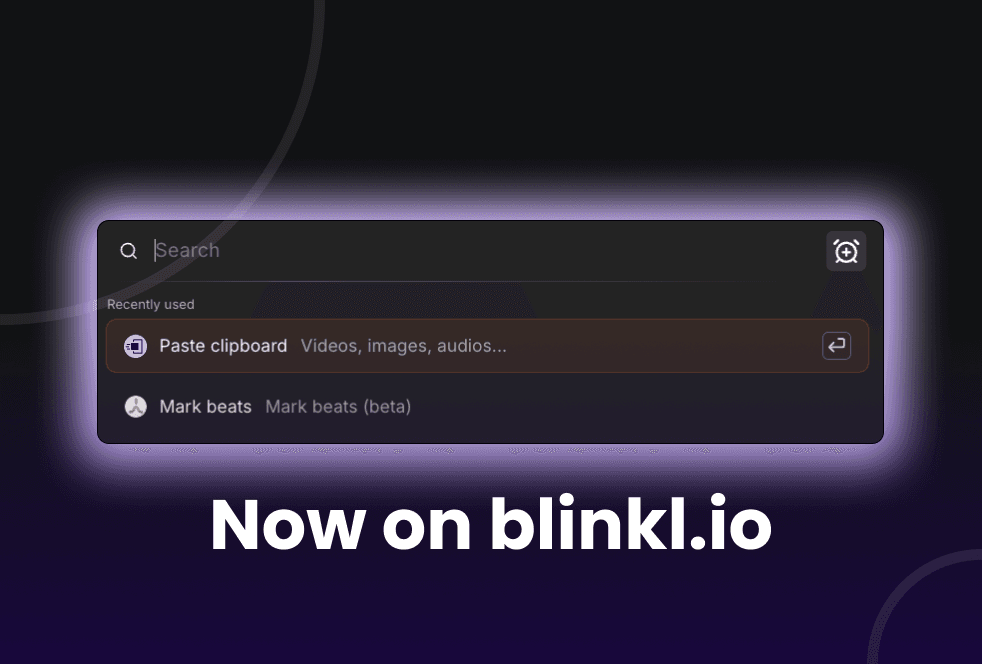
AnyPaste is a new free extension designed to remove friction when importing assets into Premiere Pro.

It lets you paste almost anything from your clipboard directly into your timeline using a single customizable shortcut, no import window, no drag & drop, no extra steps.

Images, videos, audio files, SVGs (files or inline code), web assets, and even unsupported formats like .webm are supported.

AnyPaste uses smart placement logic (In/Out ranges, playhead position, last available track) and automatically organizes pasted assets into a dedicated project folder to keep things clean.

Fully integrated into the blinkl.io command bar, AnyPaste helps you move from clipboard to timeline instantly.

Paste faster. Stay in flow.

Try AnyPaste on blinkl.io

Beat Detector

Introducing Beat Detector on blinkl.io

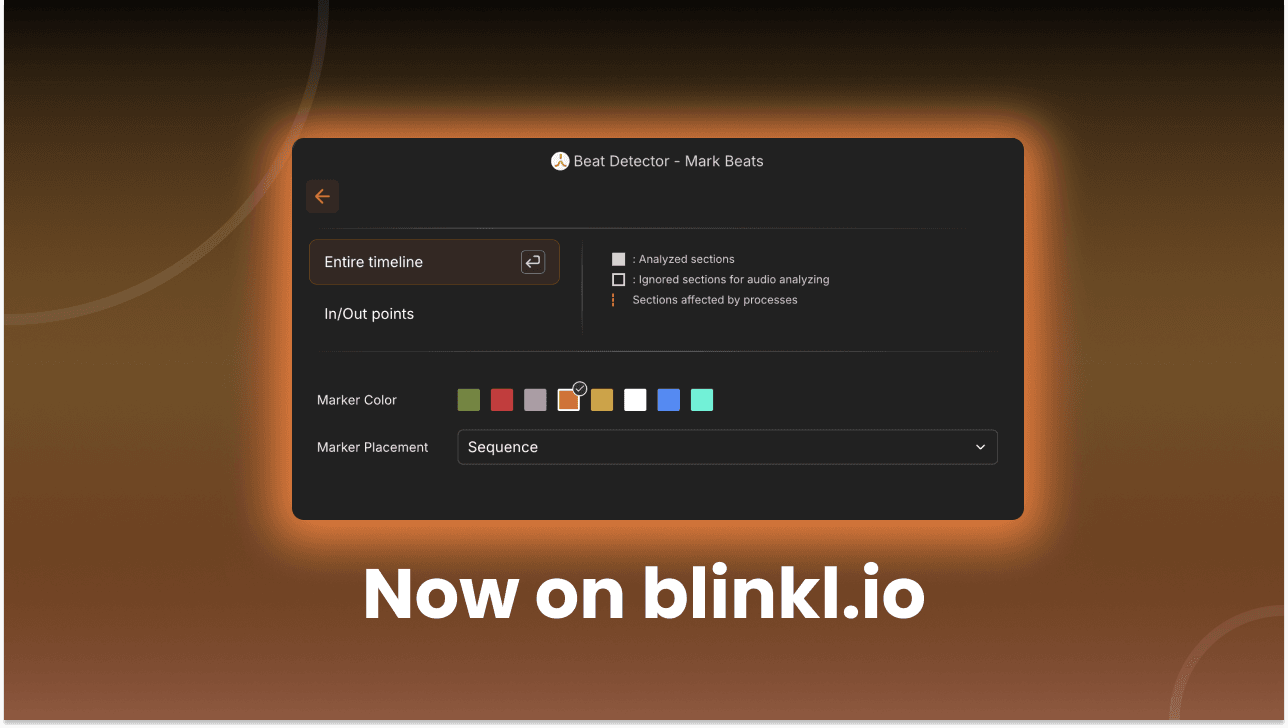
Beat Detector is a new free extension now available on blinkl.io, designed to help you edit perfectly in sync with music.

It automatically analyzes your audio track and places beat markers directly in your timeline, giving you a clear rhythmic structure to edit against.

Whether you’re cutting manually or building edits around music timing, Beat Detector helps you stay on beat without guessing.

Beat Detector fits seamlessly into the blinkl.io workflow, letting you trigger beat detection instantly from the command bar.

Edit smarter. Edit on beat.

Try Beat Detector on blinkl.io

SnapActions

SnapActions update : Use blinkl.io without opening Premiere Pro

We just shipped a new SnapActions update that lets you use that lets you use blinkl.io’s command bar even when Premiere Pro is closed.
A set of new actions designed to remove friction before you even start editing.blinkl.io’s command bar even when Premiere Pro is closed.
A set of new actions designed to remove friction before you even start editing.

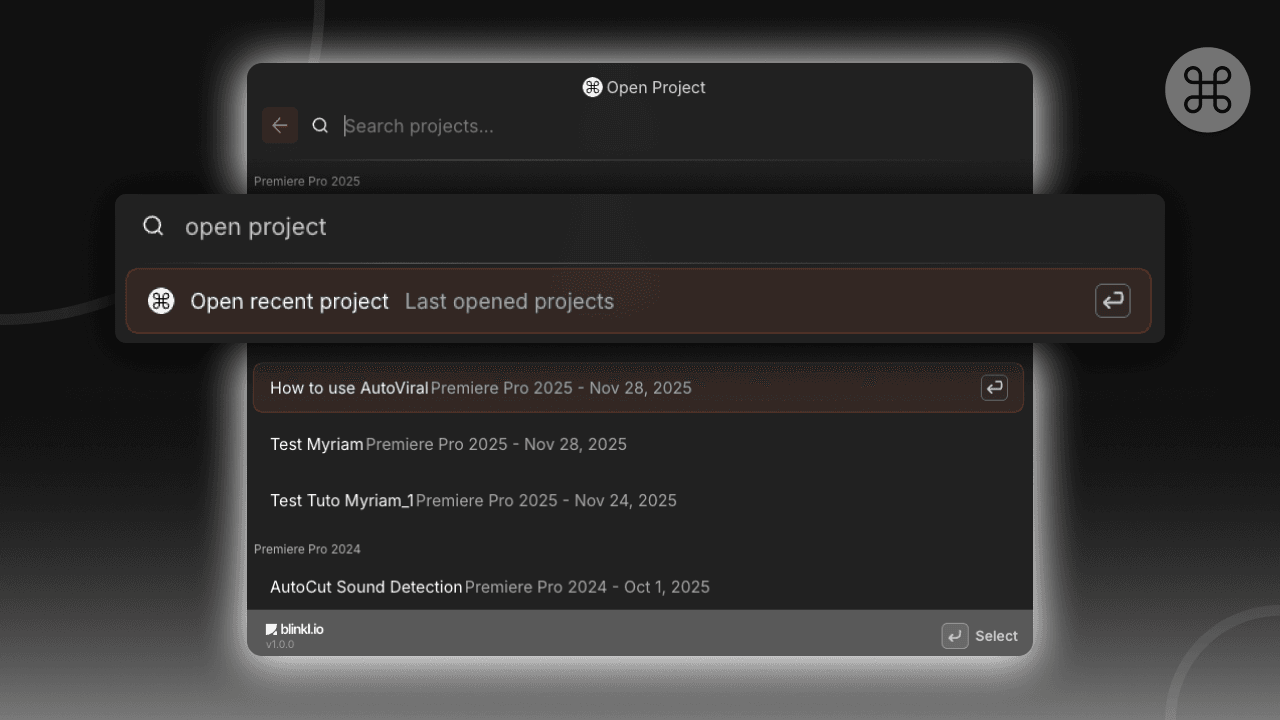
Open Project

Instantly open your recent Premiere Pro projects directly from Instantly open your recent Premiere Pro projects directly from blinkl.io, no need to launch Premiere first.blinkl.io, no need to launch Premiere first.

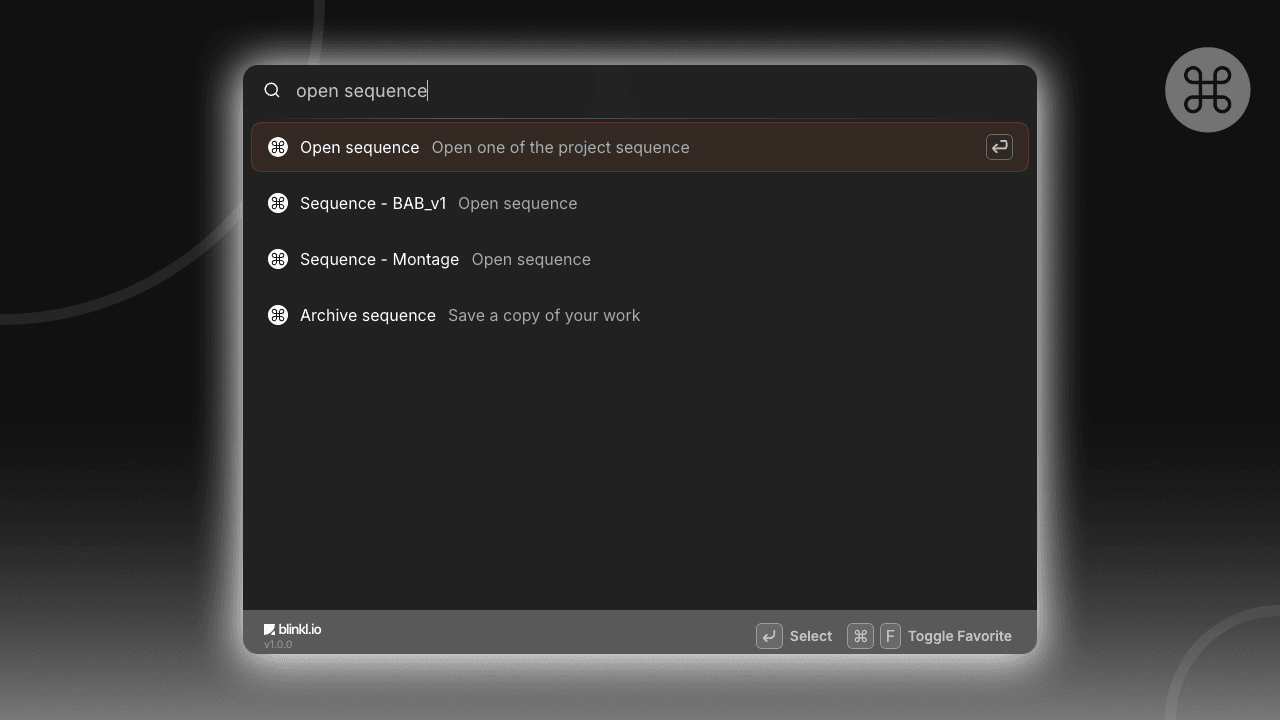
Open Sequence

Open any sequence from your project instantly.
blinkl.io detects all the sequences in your Premiere Pro project and lets you jump straight to the one you need.blinkl.io detects all the sequences in your Premiere Pro project and lets you jump straight to the one you need.

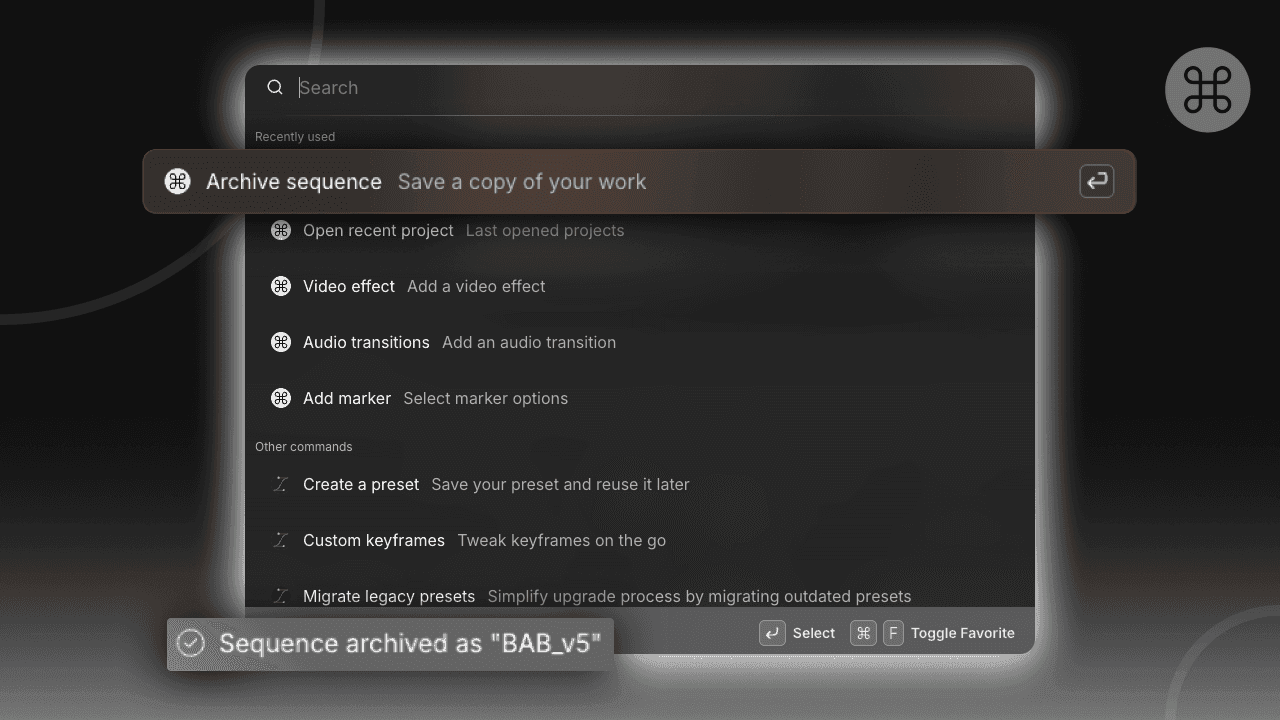
Archive Sequence

Backup your current sequence in one action.
Perfect for versioning inside Premiere Pro : archive a sequence before making changes, without duplicating timelines manually.

Try SnapActions on blinkl.ioTry SnapActions on blinkl.io